A drawing app for Mac & Windows
You don’t need an idea
to start drawing.
Bubbly joins your bubbles into smooth shapes automatically. Add a few, spot a face or a creature, and follow the idea as it appears.
Pay once. Play whenever. No subscription.
PNG & SVG export · Draw solo or with friends

 2-player demo



made together.
- Mac & Windows
- One-time purchase
- PNG & SVG export
- Up to 4 people on one canvas
Real drawings. Made in Bubbly.
Meet your next
happy little creation.
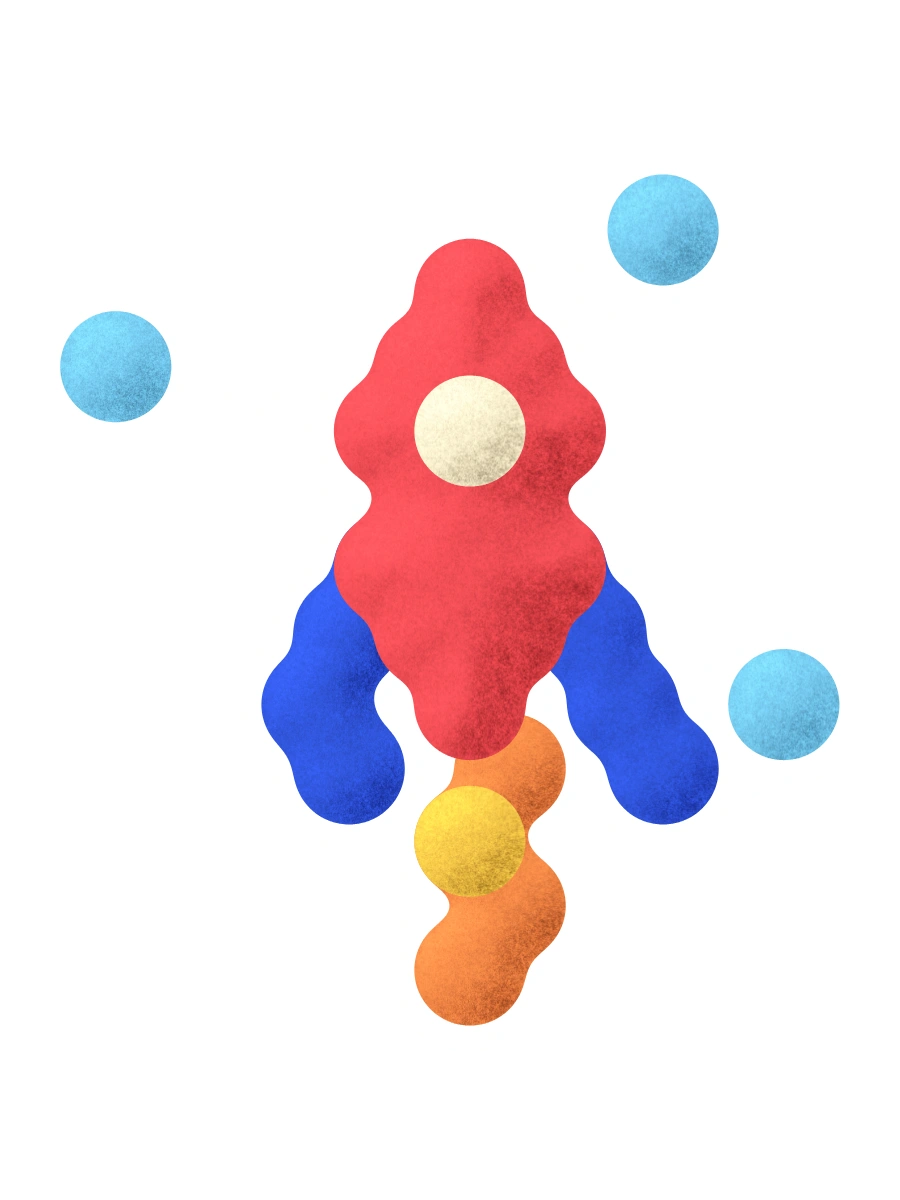
From a curious creature to your new favorite flower: every sticker here was made in Bubbly. Start with a shape, add a color, and see where it takes you.
Made in Bubbly.
A few little things from the sticker library.











Your colors. Your shapes. Your own way of making.
From the first bubble to the final file
A little play goes a long way.
- 01 / DRAW
Start with bubbles.
Put down a few bubbles. Bubbly joins them into smooth curves for you.
- 02 / DISCOVER
Spot something.
A face in a blob. A tail in a curve. Let the shapes suggest what to draw next.
- 03 / KEEP
Take it with you.
Save an editable project to pick up later, or export a PNG or SVG for your next creative project.
A canvas with company. Turn on drawing sounds, share a canvas with up to three friends, and leave little notes as you go. How drawing together works

Keep the good stuff
From a little doodle
to your next idea.
Save your project and come back to it. Export your creations as PNG or SVG to give them a life beyond the canvas.
One app. All your little ideas.
Make room
for play.
- The Bubbly drawing app for Mac & Windows
- Color layers, drawing sounds, and a shared canvas
- Editable projects and PNG & SVG exports
- A lifetime license for one active computer
Bubbly for Mac & Windows
€8.99 once
One payment. A lifetime of creating. No subscription.
Buy BubblySecure checkout with Lemon Squeezy.
Open checkout in a new tab ↗Your license key arrives by email. Activate online, then draw offline whenever you like.
Final total shown at checkout.
For macOS & Windows
What happens after I buy Bubbly?
Lemon Squeezy emails your order receipt and license key. Enter your key in Bubbly to activate your computer. You can retrieve your purchase any time through the Find your order link.
Am I buying the app or a sticker pack?
You’re buying Bubbly, the drawing app for Mac and Windows, so you can create your own artwork. The stickers on this page are examples of drawings made with Bubbly.
Can I save and export my drawings?
Yes. Save an editable Bubbly project to keep working on it later, or export your artwork as a PNG or SVG to use in other projects.
Is it a subscription?
No. Bubbly uses a one-time purchase and a lifetime license, with one computer activated at a time.
Can I change computers?
Yes. Deactivate Bubbly on your current computer from File → License → Deactivate this device, then activate it on the new computer with the same key.
How do we draw together?
A shared canvas supports up to four people. Join on the same local network, or use a private direct internet invitation. Internet connections depend on the host’s network setup.
Can I use it offline?
You need an internet connection to activate your license. After activation, you can draw offline. License activation and device transfers require a connection.
What language is the app in?
Bubbly’s interface is currently in English. The language menu on this page translates the website.